The Updates gadget is a dynamic content feature that allows you to highlight key news, external resources, and media on your site. Depending on your environment’s configuration, it can be customized to display a wide range of content in distinct visual styles.
Common Use Cases
You can use the Updates gadget to showcase a variety of assets, including:
Featured Content: Highlight important pages, news items, or blog posts.
External Links: Direct users to external tools, such as calculators or portals on your main institutional website.
Document Sharing: Provide quick access to downloadable PDFs and publications.
Client Testimonials: Feature user reviews or quotes to build credibility.
Carousel: Display prominent, rotating visual banners on high-traffic pages such as your Home page.
Note on Feature Availability: The available views and capabilities of the Updates gadget depend on your specific site setup. If a feature or view listed below is missing, it may not be enabled for your environment.
Display Options & Layout Views
The Updates gadget offers two standard views and two specialized views to best fit your page layout.
Standard Views
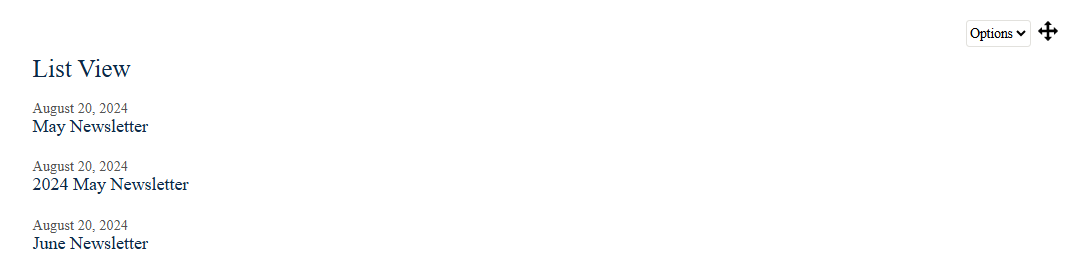
List View: Displays updates sequentially in a clean, vertical stack. Ideal for news feeds, chronological posts, or simple link lists.
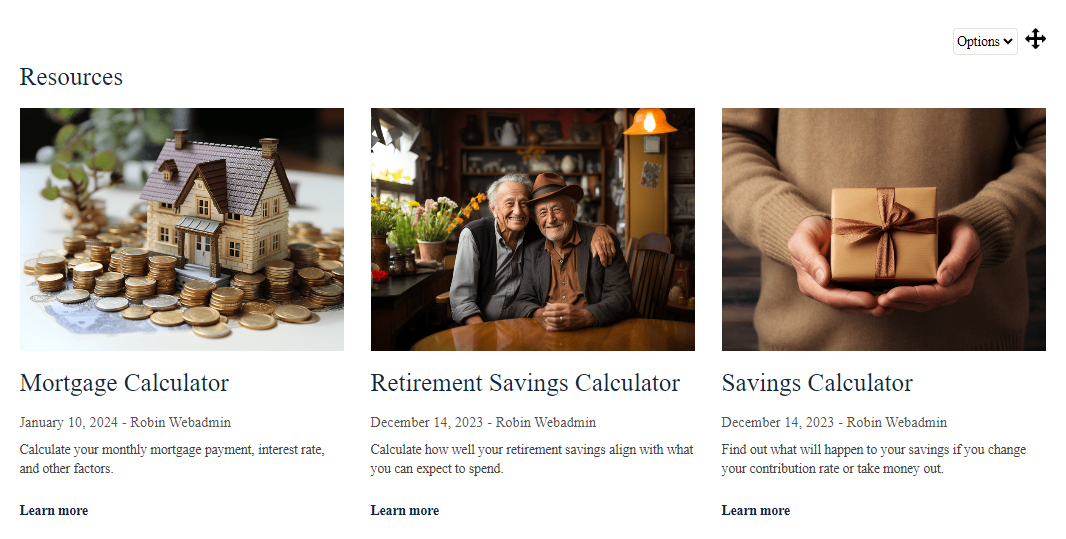
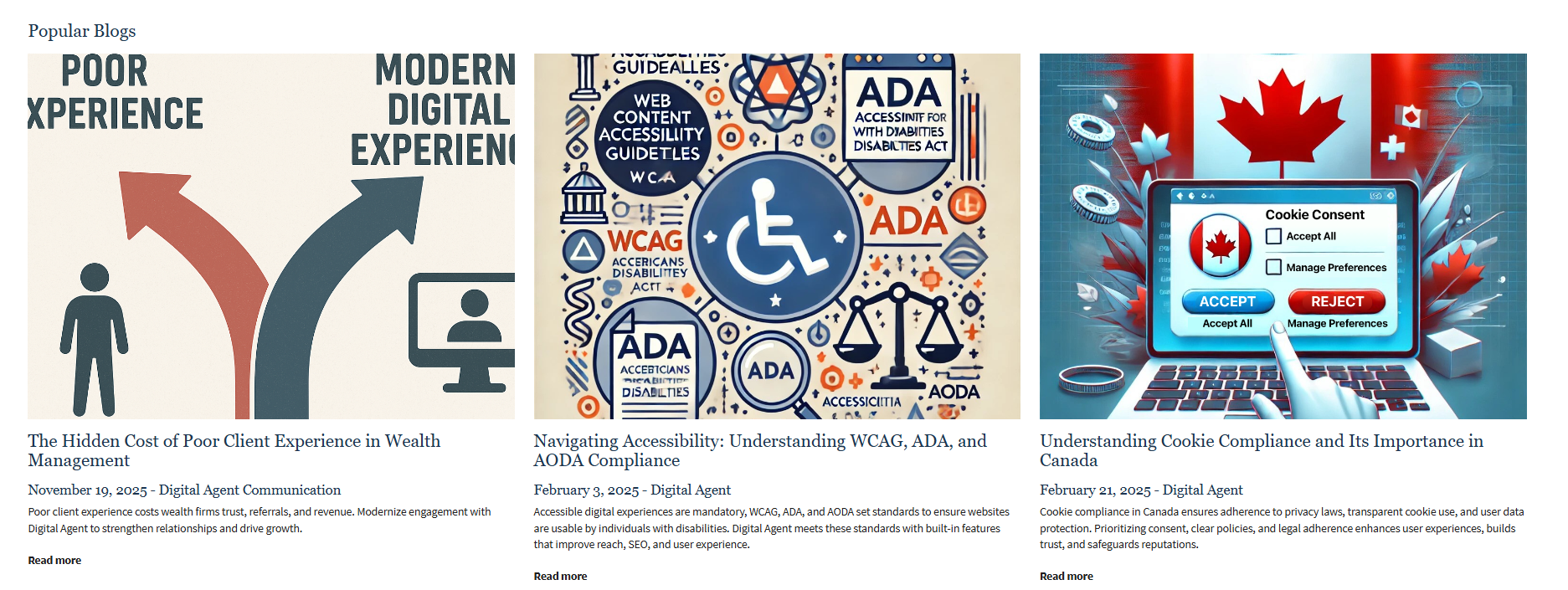
Grid View: Organizes updates into side-by-side cards or tiles. Best for visually driven content or featured resource hubs.
Specialized Views
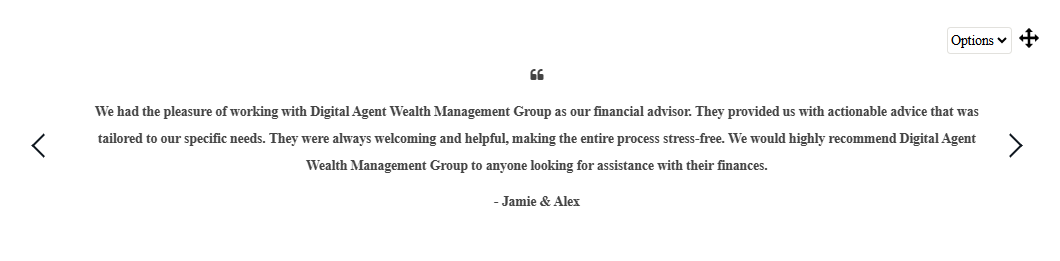
Testimonial View: Formats content to highlight quotes, client names, and reviewer photos or logos.
Carousel View: Displays updates as a rotating, interactive banner. Perfect for featured promotions or top-level announcements.
Visual Examples
List View
Grid View
Testimonial View
Carousel Banner View

Was this article helpful?
That’s Great!
Thank you for your feedback
Sorry! We couldn't be helpful
Thank you for your feedback
Feedback sent
We appreciate your effort and will try to fix the article